


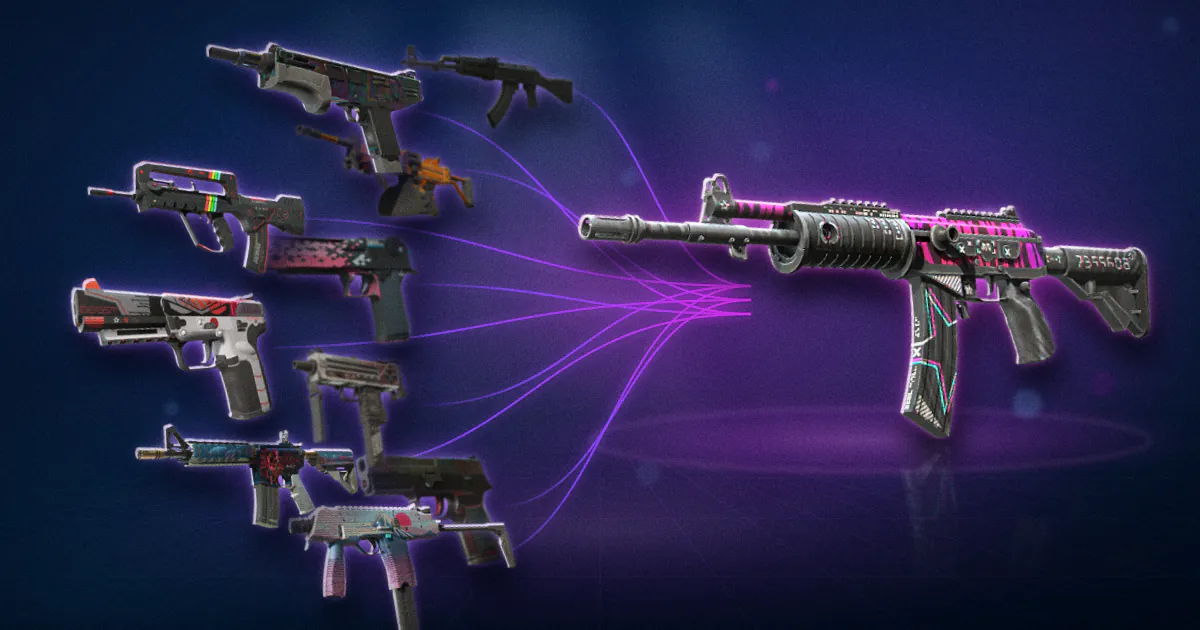
What is a CS2 trade-up contract?
A CS2 trade-up contract is an in-game tool that lets you hand in several skins and receive one skin of a higher rarity in return. The skins you hand in are gone for good. The skin you get back is picked at random from a set you can predict but not control.
The classic contract is ten in, one out, one rarity up. Since 22 October 2025 there is also a five-in contract that turns Covert skins into a knife or gloves. Both follow the same basic logic: the inputs decide which collections are in play, the game rolls, and the output's wear comes from the inputs' floats.
Trade-ups are the closest thing CS2 has to crafting, and they are also a gamble with published rules. This guide covers the rules. The maths of whether a given contract is worth doing is in how to calculate trade-up EV, and the float side is in float capping explained.
What are the rules for a trade-up contract?
The rules are simple, and every one of them has caught someone out.
| Rule | Detail |
|---|---|
| Input count | 10 skins for a normal contract, 5 for a Covert-to-knife contract |
| Input rarity | All inputs must be the same rarity |
| Output rarity | One rarity higher than the inputs (or a knife or gloves for Covert inputs) |
| Collections | Inputs can be from any mix of collections; the output comes from one of those collections |
| StatTrak | All inputs StatTrak gives a StatTrak output; you cannot mix StatTrak and non-StatTrak |
| Souvenir | Allowed since 22 May 2026; Souvenir attributes are stripped and the result is a normal item |
| Trade Protected items | Cannot be used; Valve's FAQ says protected items cannot be consumed for 7 days after a trade |
| Highest tier | A collection must have a higher tier than your inputs for that collection to count; Covert is the top for normal contracts |
| Undo | None. Inputs are destroyed. |
The rarity ladder for normal contracts runs Consumer Grade, Industrial Grade, Mil-Spec, Restricted, Classified, Covert. A trade-up moves you one step. Ten Mil-Spec give one Restricted, ten Classified give one Covert. Consumer and Industrial contracts exist but rarely make sense, because the outputs are cheap.
The Covert rule is the new one. The 22 October 2025 release notes say: "5 StatTrak Covert items can be exchanged for one StatTrak Knife from a collection of one of the items provided" and "5 regular Covert items can be exchanged for one regular Knife item or one regular Gloves item from a collection of one of the items provided." Covered in detail below.
The Trade Protected rule matters because most trade-up inputs are bought. If you bought them by trade, they are locked for 7 days per the Trade Protected Items FAQ. Items bought on the Steam Market or from the in-game store carry a separate 7-day restriction from the 2 October 2024 notes that stops re-trading and re-listing, though those items can still be used in a contract.
How is the outcome of a trade-up chosen?
The game does not pick evenly across all possible outputs. It picks in two steps, and the number of inputs from each collection is what you control.
- Pick a collection. Each input has an equal chance, 1 in 10, of being the "chosen" input. The output comes from that input's collection.
- Pick a skin. Within the chosen collection, every skin of the output rarity has an equal chance.
So if you put in 7 Restricted skins from Collection A, which has 2 Classified skins, and 3 from Collection B, which has 4 Classified skins:
- Each Classified in Collection A has a 7/10 × 1/2 = 35% chance.
- Each Classified in Collection B has a 3/10 × 1/4 = 7.5% chance.
That is why traders think in terms of "how many inputs from which collection" rather than "which skins". The skins only matter for their collection and their float. The trade-up calculator does this arithmetic for any mix and shows every outcome with its chance.
A common misreading is that the output is chosen evenly across all possible skins. It is not. A collection with few outputs and many of your inputs dominates.
How does the output float work?
The output's float, and therefore its wear, comes from your inputs. The idea is that the output inherits the average condition of what went in, scaled to the output skin's own float range.
The formula most tools use:
- For each input, work out where it sits in its own range: (float minus that skin's min) divided by (that skin's max minus min). This gives a number from 0 to 1.
- Average those numbers across all inputs.
- Map the average onto the output skin: output float = output min + average × (output max minus output min).
Two consequences follow. First, if the output skin's minimum float is above 0.07, it cannot be Factory New no matter how clean your inputs are. Second, low-float inputs on a skin with a wide range give you a low-float output, which can be worth much more than the same skin at an average float. Traders who "float cap" a contract are choosing inputs to push the output under a wear boundary. That whole topic is float capping explained, and the float cap calculator shows each skin's range.
Check every input's float with the float checker before you commit. A single high-float input can drag the average over a boundary.
How do knife and glove trade-ups work since October 2025?
For over a decade, knives and gloves only came from cases. On 22 October 2025 Valve changed that. The rule, from the release notes:
- 5 regular Covert items give one regular knife or one regular pair of gloves.
- 5 StatTrak Covert items give one StatTrak knife.
- The output comes from "a collection of one of the items provided".
That last line does most of the work. Every case has a set of rare special items, either knives or gloves. When you trade up five Coverts, the game picks one of the five inputs, and the output is drawn from that input's case's rare item pool. So five Coverts from one case give you a knife or gloves from that case. Five Coverts from five different cases give you a 1-in-5 shot at each case's pool.
You cannot choose the knife type, the finish, the phase, or the pattern. The float is set the same way as a normal trade-up, from the average of the five inputs mapped onto the output's range. Because knife finishes have varied float caps, the float cap calculator matters here.
Some things to know before doing one:
- Only cases with rare special items count. A Covert from a collection that has no knife or glove pool cannot lead to one, so check the input's source.
- StatTrak gives knives only. The notes say StatTrak Covert inputs give a StatTrak knife. Gloves do not come in StatTrak.
- The market moved hard. Covert prices rose and knife and glove prices fell in the days after the update, as the new supply route was priced in. The pricing pillar covers that shift.
- The EV is not automatically good. Five Coverts from a case can cost more than the cheaper knives in that case's pool. Run it through the trade-up calculator and read how to calculate trade-up EV first.
Can you use StatTrak or Souvenir items in a trade-up?
StatTrak: yes, but all or nothing. Ten StatTrak inputs give a StatTrak output. Ten normal inputs give a normal output. A mix is not allowed. Because StatTrak outputs are usually worth more, StatTrak contracts can have different maths from normal ones.
Souvenir: yes, since 22 May 2026. The release notes say: "Souvenir quality items can now be selected in Trade Up Contract alongside normal quality items. All Souvenir attributes will be removed from any souvenir items selected, and the result of a Trade Up Contract will be a single normal item of a quality one higher, from a collection of all of the items provided." So a Souvenir input counts as a normal input from its collection, and the gold stickers, the event tag and the Souvenir label are all gone.
That change gave cheap Souvenir skins a use. Souvenir items from Major collections were often worth little on their own, and now they can feed contracts for those collections. It does not make Souvenir outputs possible; the output is always normal.
How do you do a trade-up step by step?
- Plan it. Choose the output you are aiming for, find which collections contain it, and decide how many inputs from each collection. Use the trade-up calculator to see the outcomes, odds and expected value.
- Check the floats. Decide what output float you need and work backwards to the input floats. Check each input with the float checker.
- Buy the inputs. If you buy by trade, wait 7 days for trade protection to expire. Steam Market purchases have their own 7-day restriction on re-trading.
- Open the Trade Up Contract in CS2. It is in the inventory screen.
- Add the inputs. The game will only let you add items of one rarity and one StatTrak status. It shows the possible outcomes as you add.
- Review the outcomes list. Make sure it matches your plan. If a collection you did not expect appears, one of your inputs is not what you thought.
- Confirm. The inputs are destroyed and the output appears. There is no undo.
Take a screenshot of the contract screen before confirming. If the outcome list does not match what your calculator said, you have found either a mistake in your plan or a wrong input, and it is much cheaper to find that before the button.
What are the most common trade-up mistakes?
- Assuming outcomes are evenly likely. They are weighted by inputs per collection. One stray input from a collection with a cheap output can be a big share of your odds.
- Ignoring the output float range. A perfect set of 0.01 inputs cannot make a Factory New out of a skin whose minimum is 0.10.
- Forgetting fees on the output. The output is worth what you can sell it for after fees, not its listing price. See how to calculate trade-up EV.
- Mixing StatTrak. The contract will not let you, but people buy the wrong inputs first.
- Buying inputs the day you want to trade up. Traded items are locked for 7 days.
- Chasing the knife pool blindly. Five Coverts into a knife feels exciting. It is a weighted roll across that case's knives with the same maths as any contract, and often a negative one.
- Doing one contract and judging the odds. A single trade-up tells you nothing. The odds only show up over many.
A trade-up is a machine with clear rules and a random output. Learn the rules, run the numbers, and it becomes a tool. Skip the numbers and it is just an expensive way to open a case.