


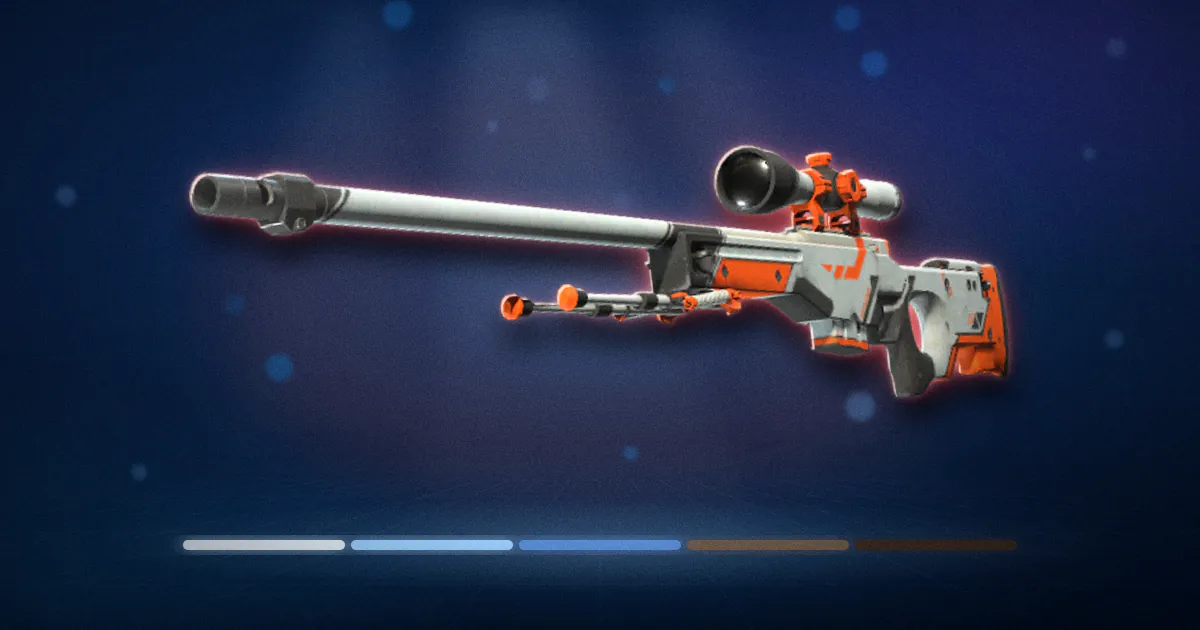
What is a CS2 float value?
A CS2 float value is a number between 0 and 1 attached to every skin. It controls how much scratching, fading and dirt the game draws on the skin. A float near 0 looks fresh out of the box. A float near 1 looks like it was dragged behind a truck.
The float is fixed when the skin is created, whether by a case, a drop, or a trade-up. It never changes after that. Using the weapon does not wear it down. Two players can have the same skin, and one copy can look new while the other looks ruined, purely because of the float each one got at birth.
Float is the second most important number on a skin after the skin's name. The wear tier you see on the Steam Market is just a label for a range of floats, and within that range the exact number can be the difference between a normal price and a collector's price. This guide explains the tiers, the per-skin limits, how to read a float, and when it matters.
What are the CS2 wear tiers and their float ranges?
Every skin shows one of five wear names. Each name is a slice of the 0 to 1 float range.
| Wear tier | Float range | Look |
|---|---|---|
| Factory New (FN) | 0.00 to 0.07 | Clean, little or no visible wear |
| Minimal Wear (MW) | 0.07 to 0.15 | Light scratches, mostly on edges |
| Field-Tested (FT) | 0.15 to 0.38 | Clear wear, colours still readable |
| Well-Worn (WW) | 0.38 to 0.45 | Heavy wear, large faded areas |
| Battle-Scarred (BS) | 0.45 to 1.00 | Most of the paint gone |
The boundaries are hard. A float of 0.0699 is Factory New. A float of 0.0700 is Minimal Wear. The game does not round, and neither do buyers.
The ranges are not equal in size, and skins are not spread evenly across them. Field-Tested covers a big chunk of the range, and most skins land there or in Minimal Wear. Very few land under 0.01 or over 0.90. That uneven spread is why the extreme floats cost so much more than their neighbours.
Why do two skins with the same wear look different?
Two reasons: the exact float within the tier, and the skin's own float limits.
Exact float. Factory New runs from 0.00 to 0.07. A 0.01 and a 0.06 are both Factory New, but the 0.06 shows more wear. On skins with a lot of detail, that difference is easy to see. On dark or matte skins it can be nearly invisible.
Per-skin limits. This is the part that surprises people. Every skin has its own minimum and maximum float, set by Valve when the skin was made. Many skins run the full 0.00 to 1.00, but many do not. A skin might be capped between 0.06 and 0.80. Another might only exist between 0.00 and 0.50.
Those limits change what a wear name means. If a skin's lowest possible float is 0.06, then its Factory New copies all sit between 0.06 and 0.07, and they look about the same as a Minimal Wear of a skin that goes down to 0.00. And a skin whose maximum is 0.50 has Battle-Scarred copies that only run from 0.45 to 0.50, so its "worst" copies still look fairly decent.
The float cap calculator shows the limits for any skin, and float capping explained covers how those limits shape trade-ups.
How do you check a skin's float?
The Steam Market and your Steam inventory only show the wear name. To get the number, you need the inspect link.
- Open the item in your Steam inventory, or on a Steam Market listing.
- Right-click the "Inspect in Game" button and copy the link.
- Paste it into the float checker. It returns the float, the pattern index, and the skin's min and max float.
In-game, you can also inspect the item and read the float from the item details panel.
Most third-party marketplaces show the float on every listing already, and let you filter or sort by it. That is one reason serious buyers use them over the Steam Market for anything where float matters.
When someone sells you a skin and quotes a float, check it yourself. It takes ten seconds and floats are the most common thing to be "mistaken" about in a private trade.
How much does float change a skin's price?
It depends on where the float sits and how much people care about that skin. The pattern is roughly this:
| Where the float sits | Effect on price |
|---|---|
| Middle of its tier | The tier's normal price |
| Near the bottom of its tier | A little above normal; buyers like a "low FT" or "low MW" |
| Just above a tier boundary (like 0.0701) | Slightly below the tier's normal price, since it looks like the tier below but is priced as this one |
| Just below a tier boundary (like 0.1499) | A little above the tier below's price, and a bargain look-alike for the tier above |
| Extremely low for the skin (near its minimum) | Can be several times the tier price on popular skins |
| Extremely high (near 1.00) | Also collectible on some skins, occasionally at a premium |
For most skins and most buyers, the tier name does most of the work. A Field-Tested AK-47 at 0.20 and one at 0.30 sell for about the same. The float only starts to matter a lot at the edges: the lowest few hundred copies of a popular Factory New skin, or a Battle-Scarred copy near 1.00 on a skin where that looks striking.
A few things stack with float. StatTrak plus a very low float is rarer than either alone. A rare pattern plus a very low float is rarer still. The pattern index guide covers the pattern side, and the pricing pillar shows how these combine.
What is a float cap and why do some skins never drop Factory New?
A float cap is the per-skin minimum and maximum mentioned above. If a skin's minimum is 0.10, it cannot exist below 0.10, so it can never be Factory New or Minimal Wear. It comes out of the case as Field-Tested at best. Sellers sometimes list "FT is the best wear for this skin", and that is what they mean.
Caps also apply at the top. A skin with a maximum of 0.60 has no truly wrecked copies. Its Battle-Scarred versions are relatively clean, and often cheap for what they look like.
Caps matter most in trade-ups. When you trade up, the output's float is derived from the average of your inputs, scaled to the output's own range. That means you can never get a Factory New output from a skin whose cap starts above 0.07, no matter how low your inputs are, and you can target a low float output on a skin with a wide range by feeding it low inputs. The math and examples are in float capping explained, and the trade-up calculator runs it for you. Since Valve's 22 October 2025 update allowed five Coverts to trade up into a knife or gloves, the same float logic now applies to knife outputs too.
Does float change over time or with use?
No. This is the most common misunderstanding about float. Firing the weapon, dropping it, dying with it, none of that changes the number. A 0.02 Factory New stays a 0.02 Factory New forever.
Things that do not change float:
- Using the weapon in matches
- Applying, scraping or removing stickers
- Adding or removing a name tag
- Applying a StatTrak swap
- Trading it, selling it, or storing it
The only way to get a different float is to get a different skin. A trade-up destroys the inputs and creates a new output with a new float. Everything else leaves the number alone.
Stickers do have their own separate wear, the scrape level, which you set when applying and can only increase, per Valve's 2 October 2024 release notes. That is sticker wear, not skin float, and it is covered in sticker value explained.
When does float not matter?
Often. Knowing when to ignore float saves you time and money.
- Cheap skins. If a skin sells for a dollar, nobody pays extra for a low float. The tier name is enough.
- Dark and matte skins. Wear on a black skin is hard to see. Buyers pay less attention to float and more to price.
- Skins with narrow caps. If a skin only exists between 0.06 and 0.08, every copy looks the same, and float is trivia.
- Buying to use, not to sell. If you just want the skin in your loadout, buy the cleanest tier you can afford and stop reading floats.
- Pattern-driven skins. On a Case Hardened, the pattern decides the price. A great pattern at a mediocre float beats a bad pattern at a perfect float every time.
Where float does matter, it matters a lot: expensive skins in Factory New, anything near a tier boundary, trade-up inputs and outputs, and collector-grade extremes. For those, check the number every time with the float checker, and never trust a float you have not verified.